
California First Roofing · Suite 288
Los Angeles listing verification
Prepare the evidence. Complete Google’s checks. Confirm your office details.
Los Angeles office details
5850 West 3rd Street, Suite 288, Los Angeles, CA 90036(424) 777-1619
Completion marks are your own record, not confirmation from Google.
Your verification checklist
0 of 9 steps completed
Sign in to business.google.com with the Google account that manages CFR. Choose California First Roofing in Los Angeles, not San Diego or San Jose. Do not create a duplicate listing.
Confirm Suite 288 is the actual business location. Display the address only if customers are served there and the location meets Google’s requirements. A virtual office or PO box is not eligible. If CFR only visits customers, use the appropriate service-area setup and keep the home address private.
Open Edit profile → Location → Business location. Replace “ste E” with “Suite 288” and use the address below. If Google offers Adjust, move the map pin to the actual building and save. Google previously required a map pin for this address correction; verification alone may not resolve it.
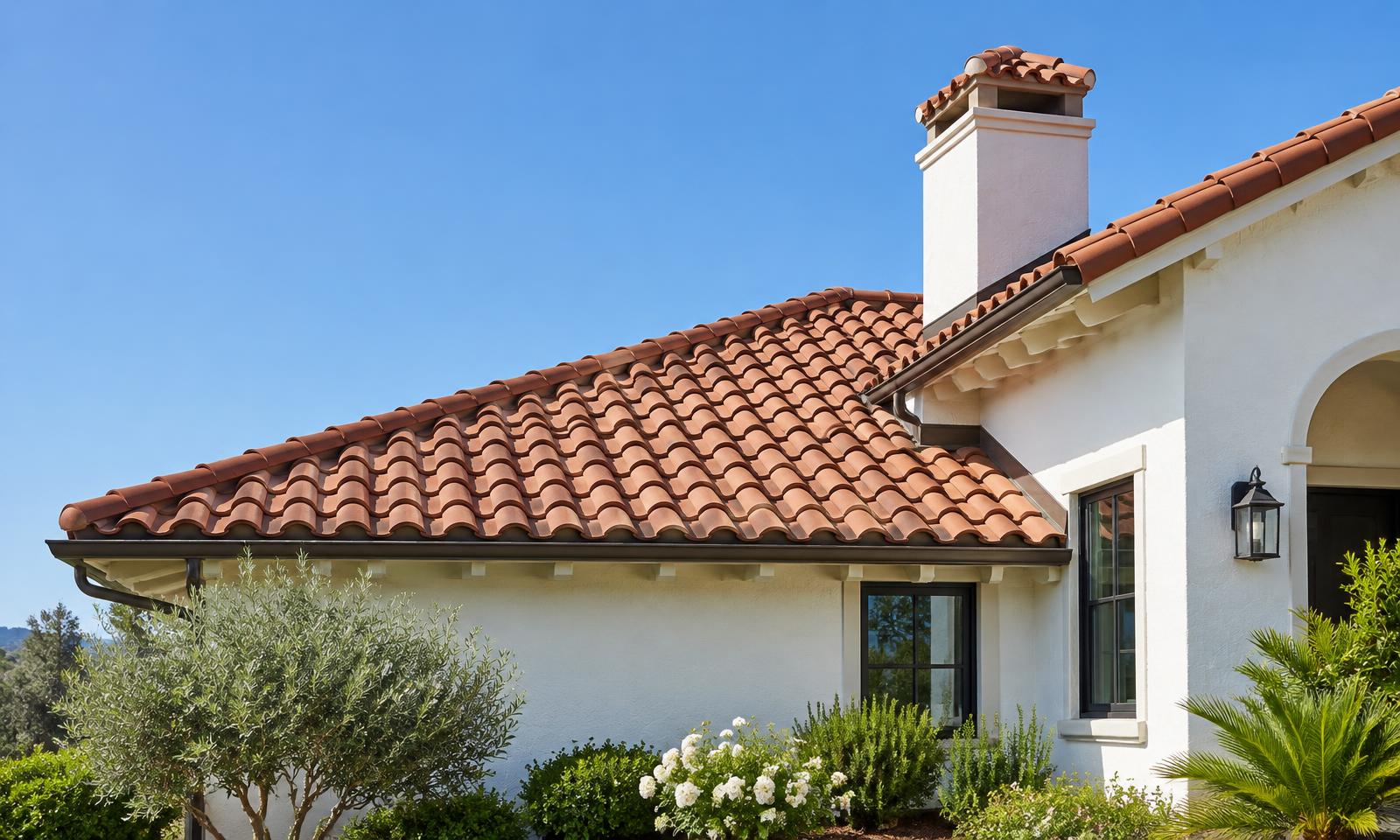
5850 West 3rd Street, Suite 288, Los Angeles, CA 90036Gather clear photos of the actual office exterior and permanent CFR signage, the suite entrance, roofing equipment or branded vehicles, and real completed roof work you have permission to share. Use the same CFR logo as the site. The site’s illustrative tile-roof image is not proof of this office. Use JPG or PNG, 10 KB–5 MB, ideally 720 × 720 pixels.
Click Get verified and follow only the methods Google offers. Google chooses the available method; phone, SMS or email are not guaranteed. Enter any code directly in Google. Do not start repeated attempts while one is pending.
If Google offers video, record live through your Business Profile on a phone: one unedited recording of at least 30 seconds. For a storefront or hybrid office, show the location, permanent signage matching the business name, and your management access, such as unlocking the premises. For service-area businesses, follow Google’s separate requirements for location, equipment and management evidence. Exclude private documents, account or ID numbers and other people’s faces. Still photos do not replace the verification video.
After submitting, check the listing’s verification status. Google may review it for up to five business days or request more evidence. Mark this step only after Google confirms verification—not just after you upload evidence.
Once verified, open Photos → Add photos and upload the genuine images. Check the public listing for Suite 288, the correctly placed pin, the CFR phone and the regional roofing website. Keep getbearplan.com in the Bear Plan update rather than replacing the regional site. Photos and edits may undergo review; verification does not guarantee visibility.
Review Edit profile → Hours using the real customer visiting schedule. Do not copy the site’s contact-desk hours or mark the office open 24 hours solely because an emergency phone line is available. Office visiting hours are still unconfirmed.